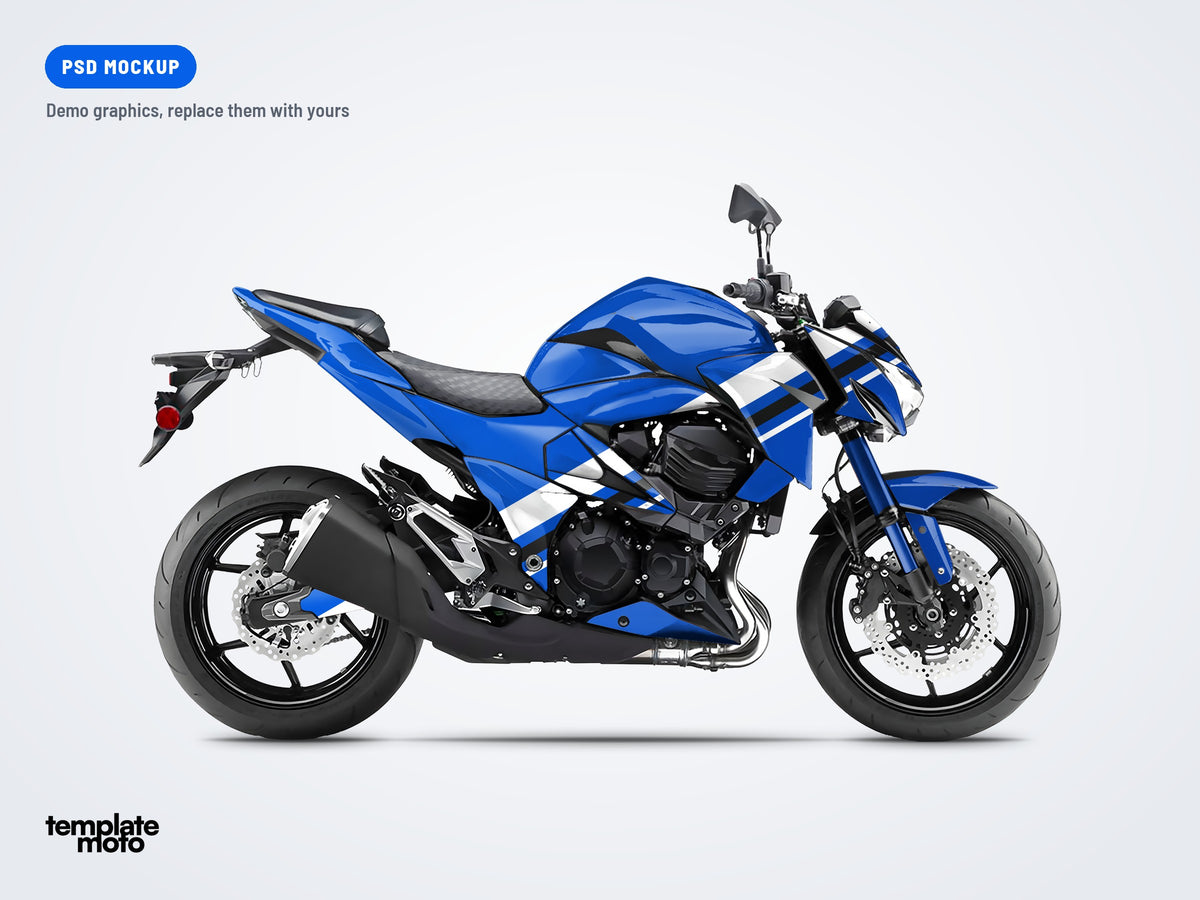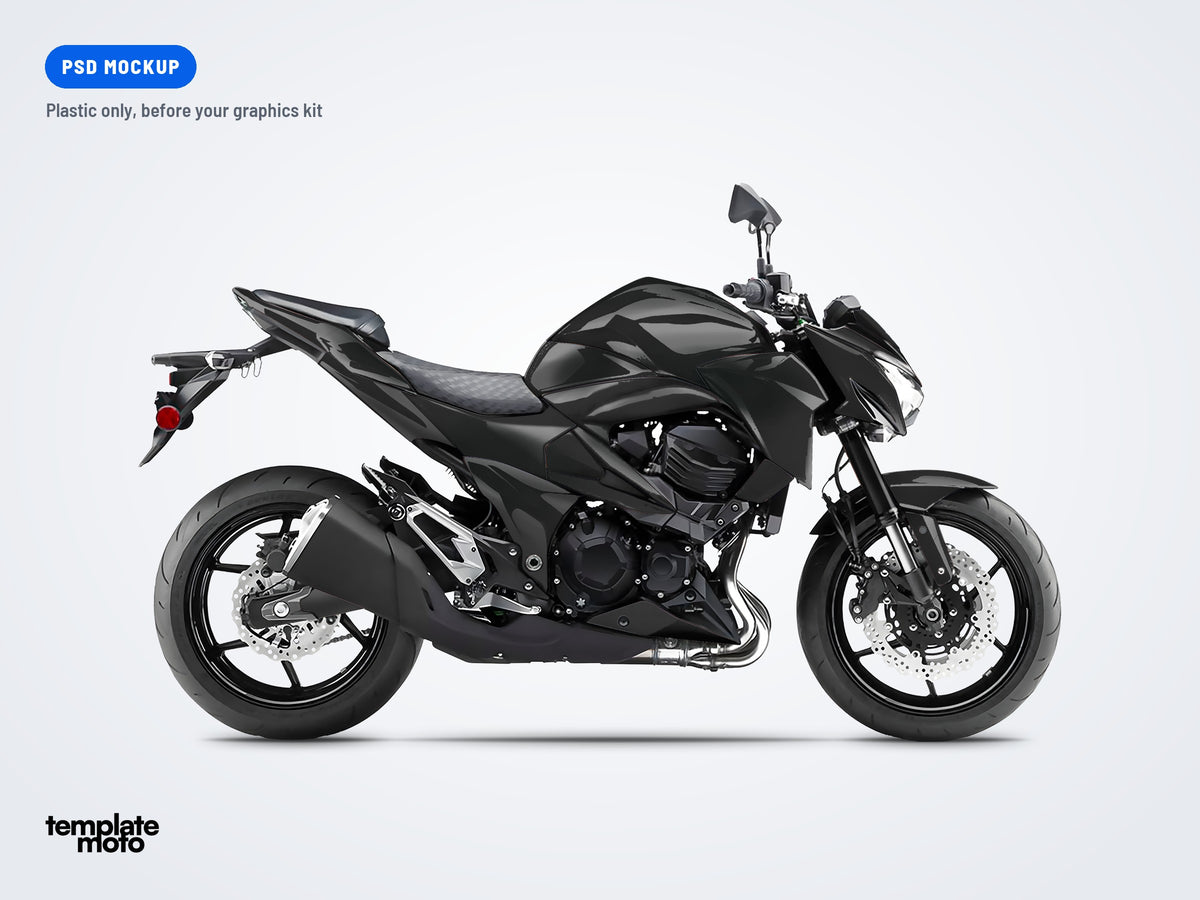
KTM 690 DUKE 2012-2019 - PSD MOCKUP
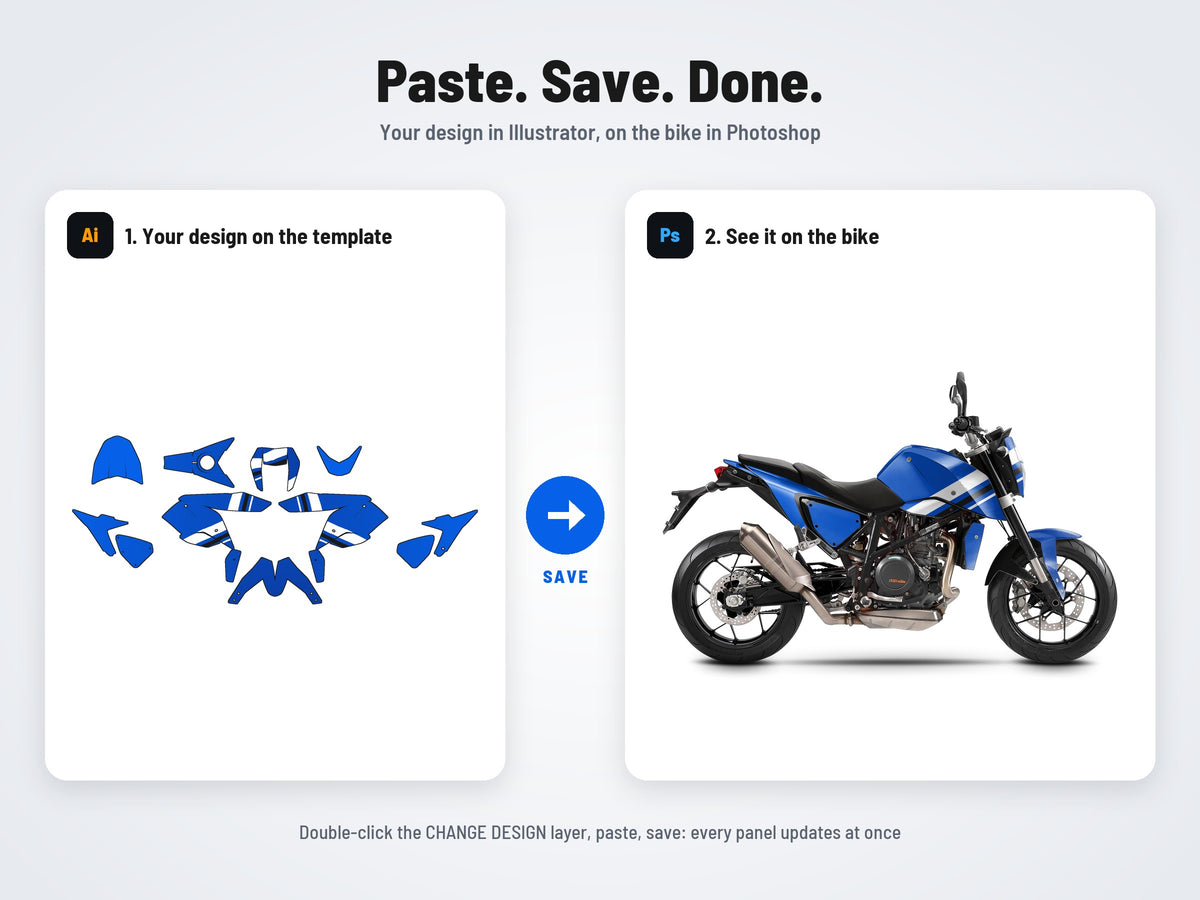
Paste your design in Illustrator, hit save, and watch it wrap the bike in Photoshop, with every curve, light and shadow. Realistic proof pictures in 2 minutes.
- 1 view (side)
- 2000 × 1600 px
- PSD + AI
- Layered Photoshop mockup (PSD), 2000 × 1600 px
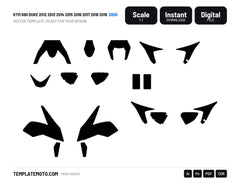
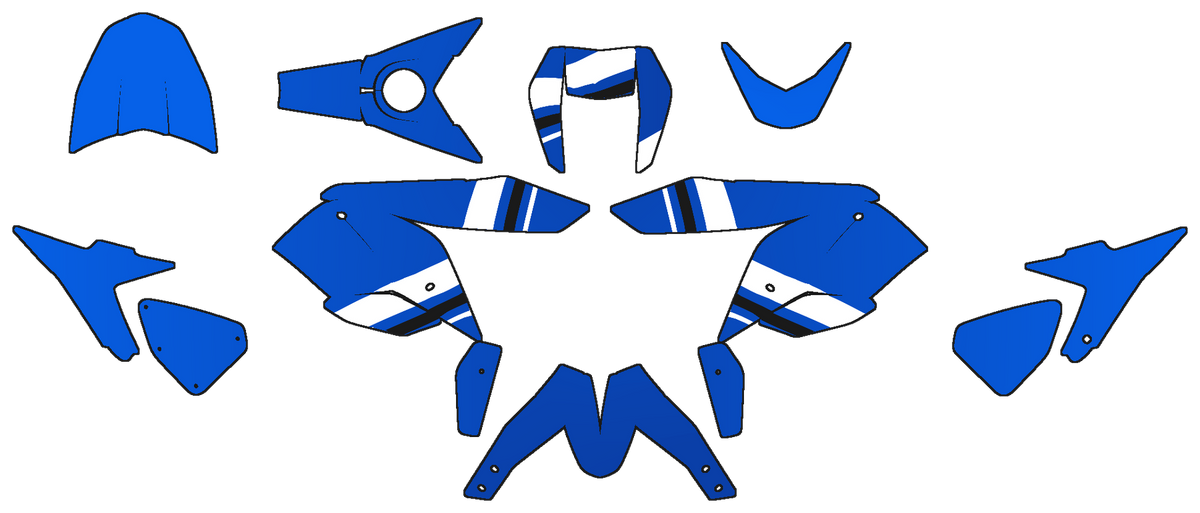
- Your graphics kit: paste it in Illustrator on the flat template, it wraps every panel at once
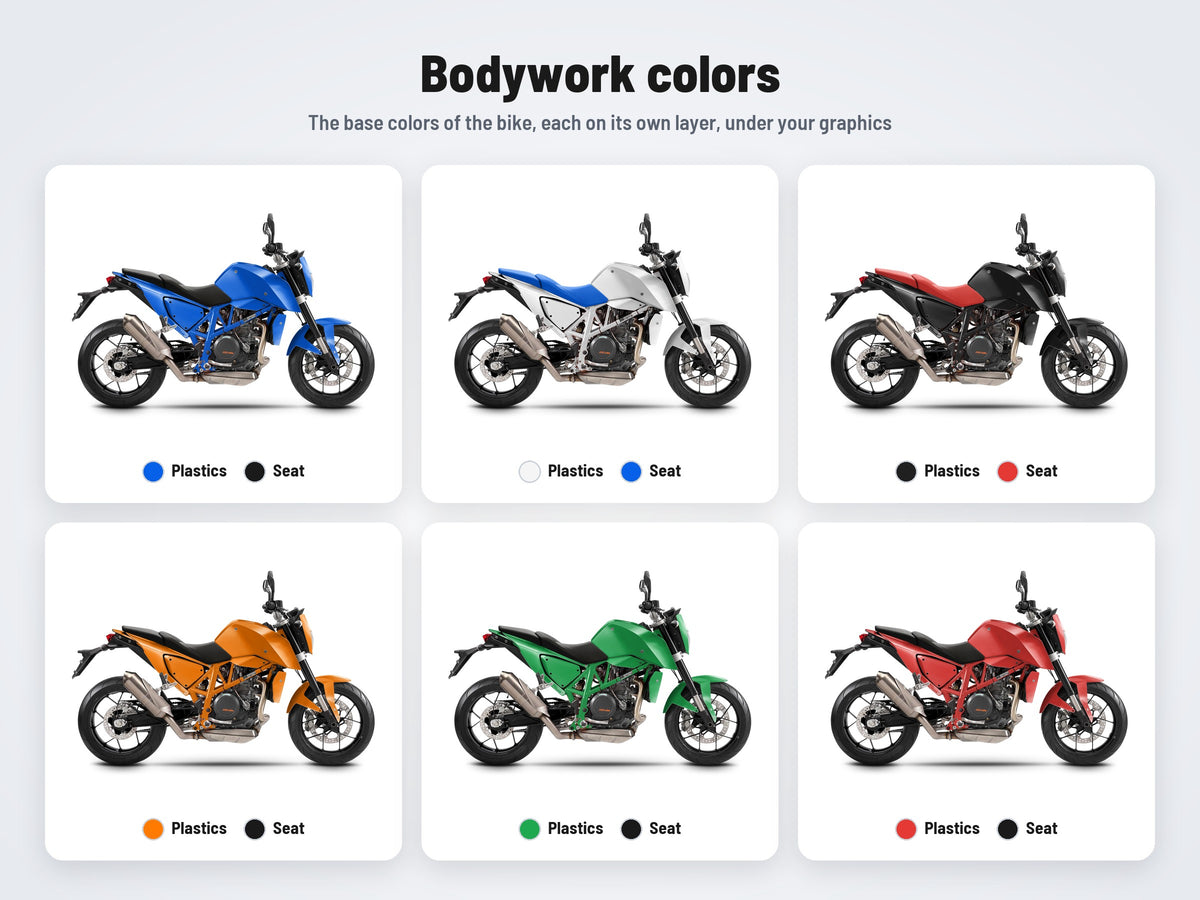
- Base colors in one click: bodywork, seat
- Instant download, unlimited proof pictures
Good to know
- Digital file only: no physical graphics kit is shipped
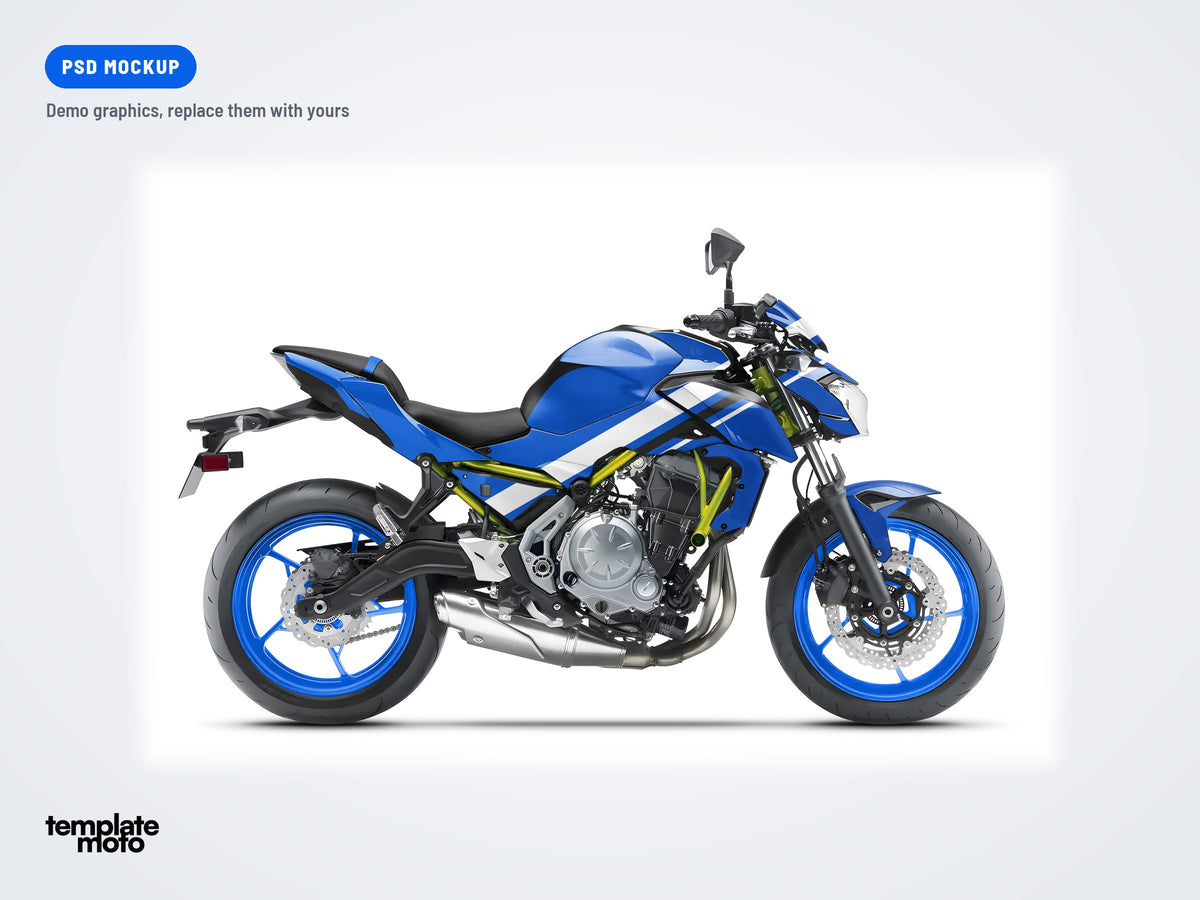
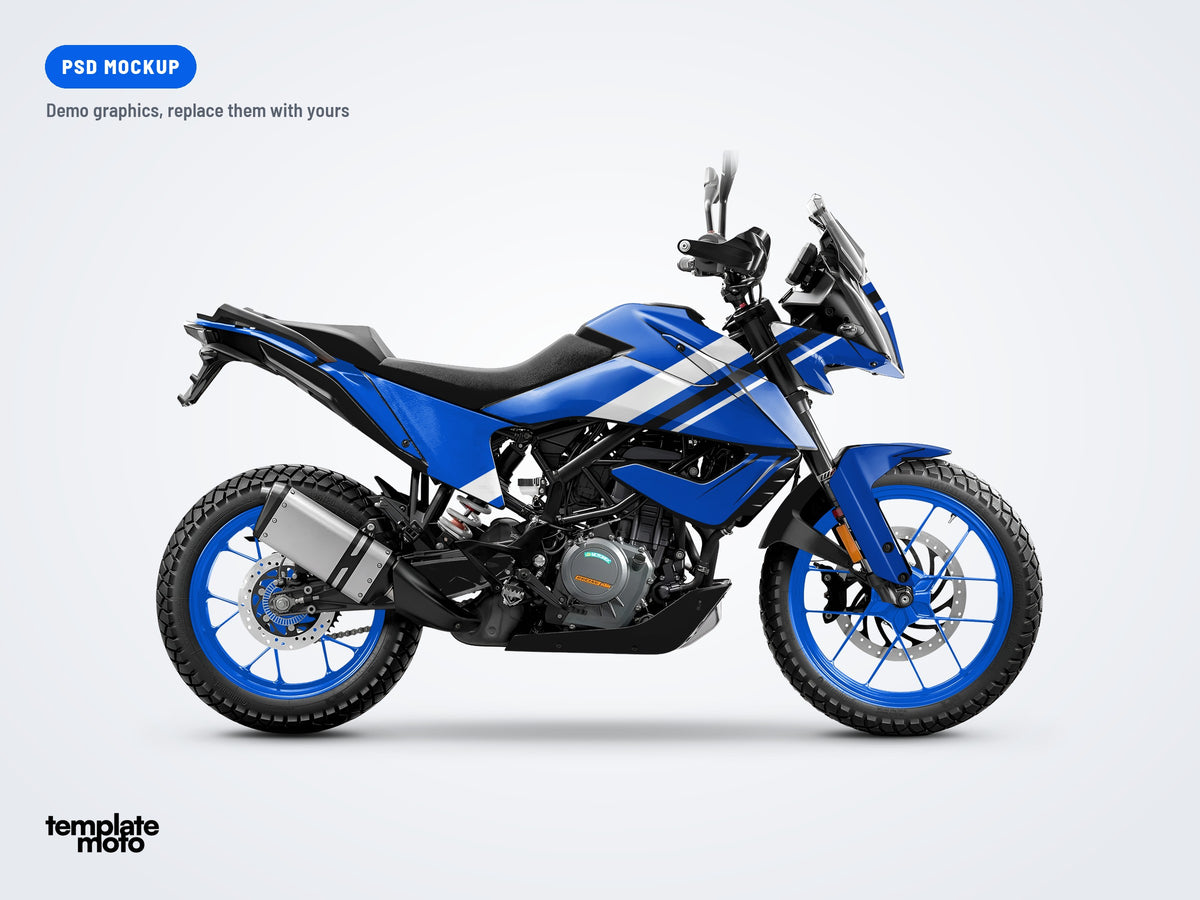
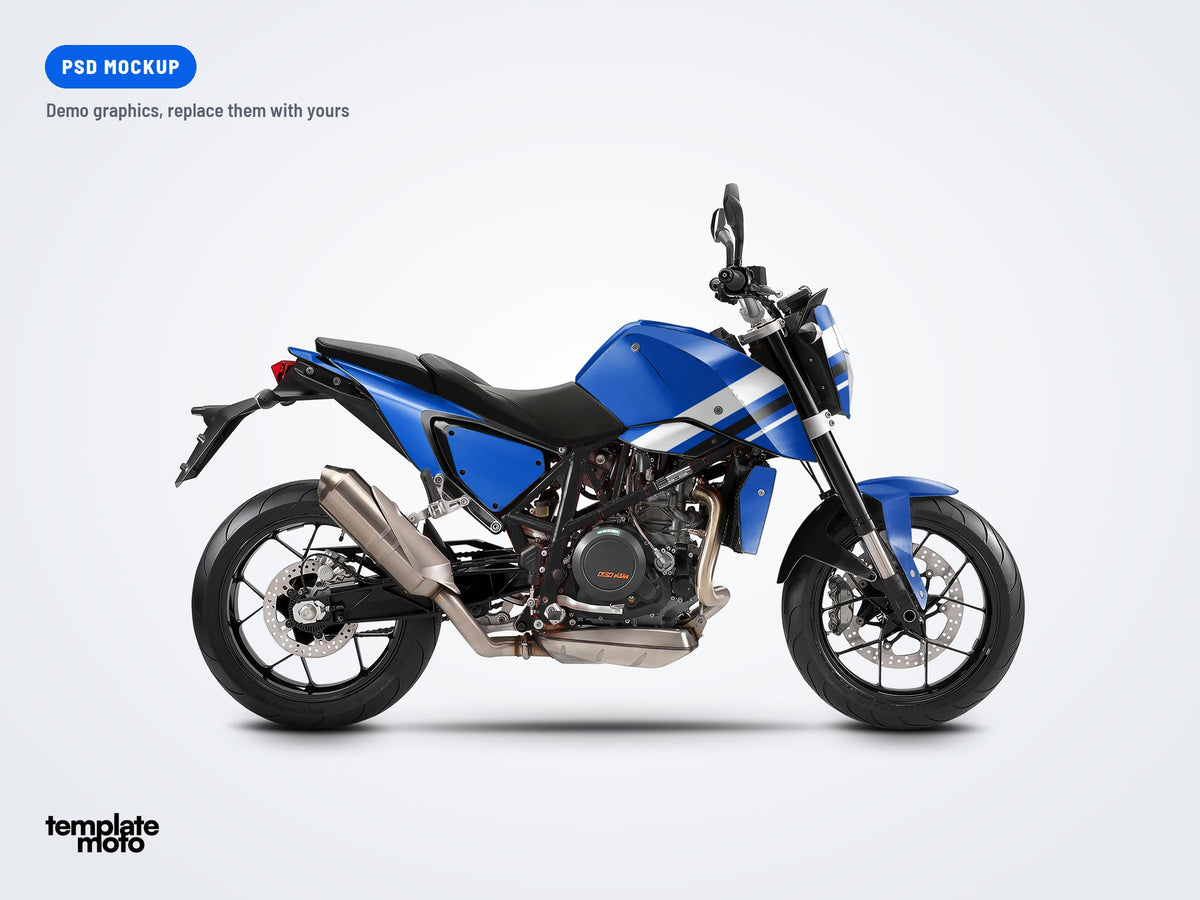
- Not a graphics design: the blue demo kit only shows how a kit looks on the bike
- Not a 3D model: the camera angle is fixed
From plain plastic to a full graphics kit
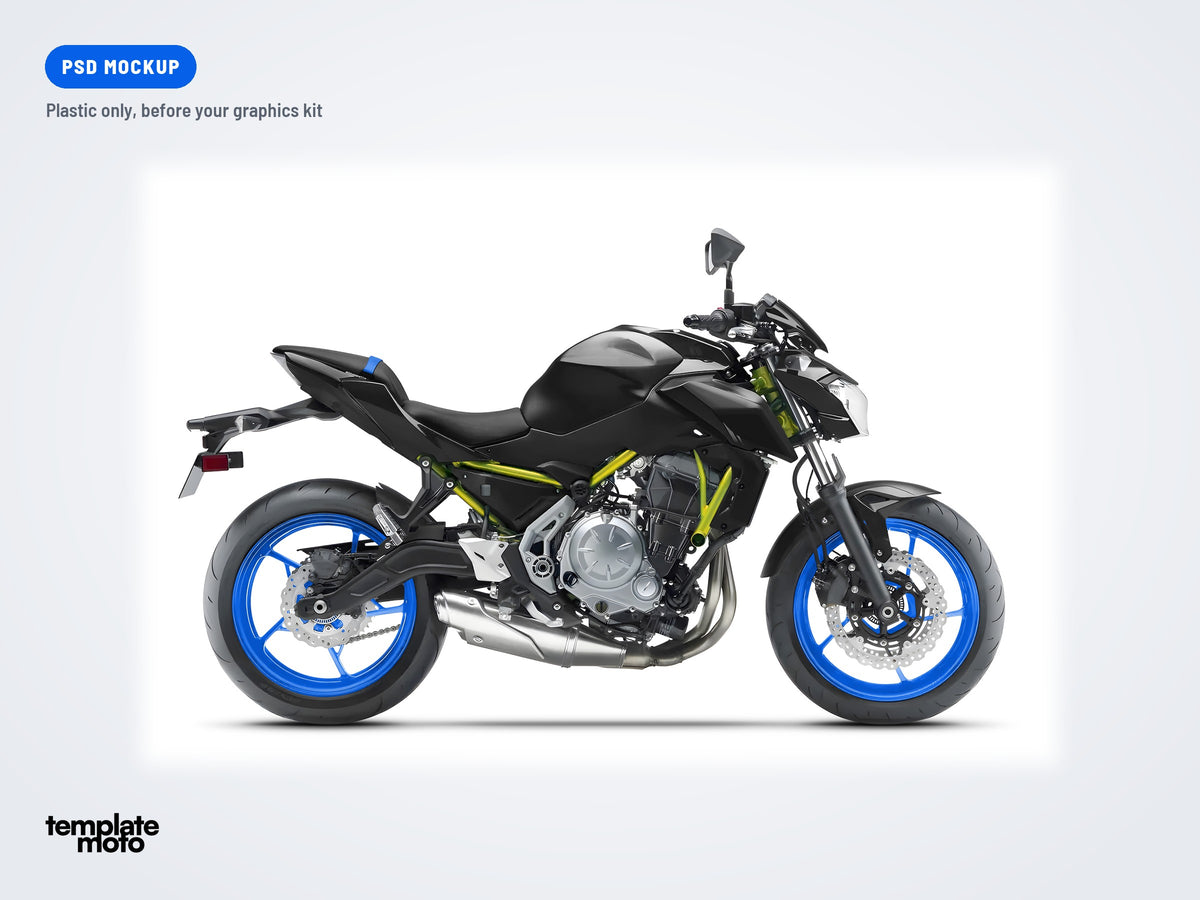
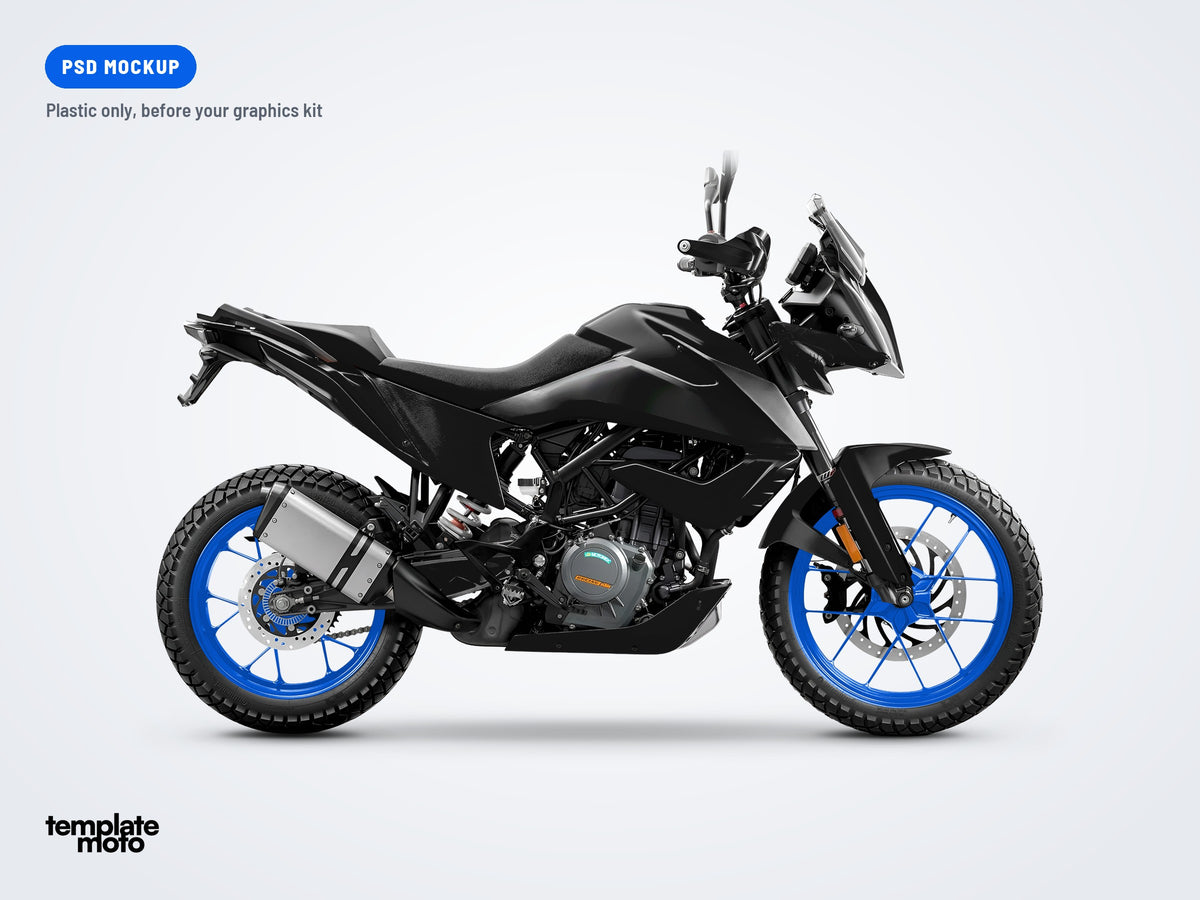
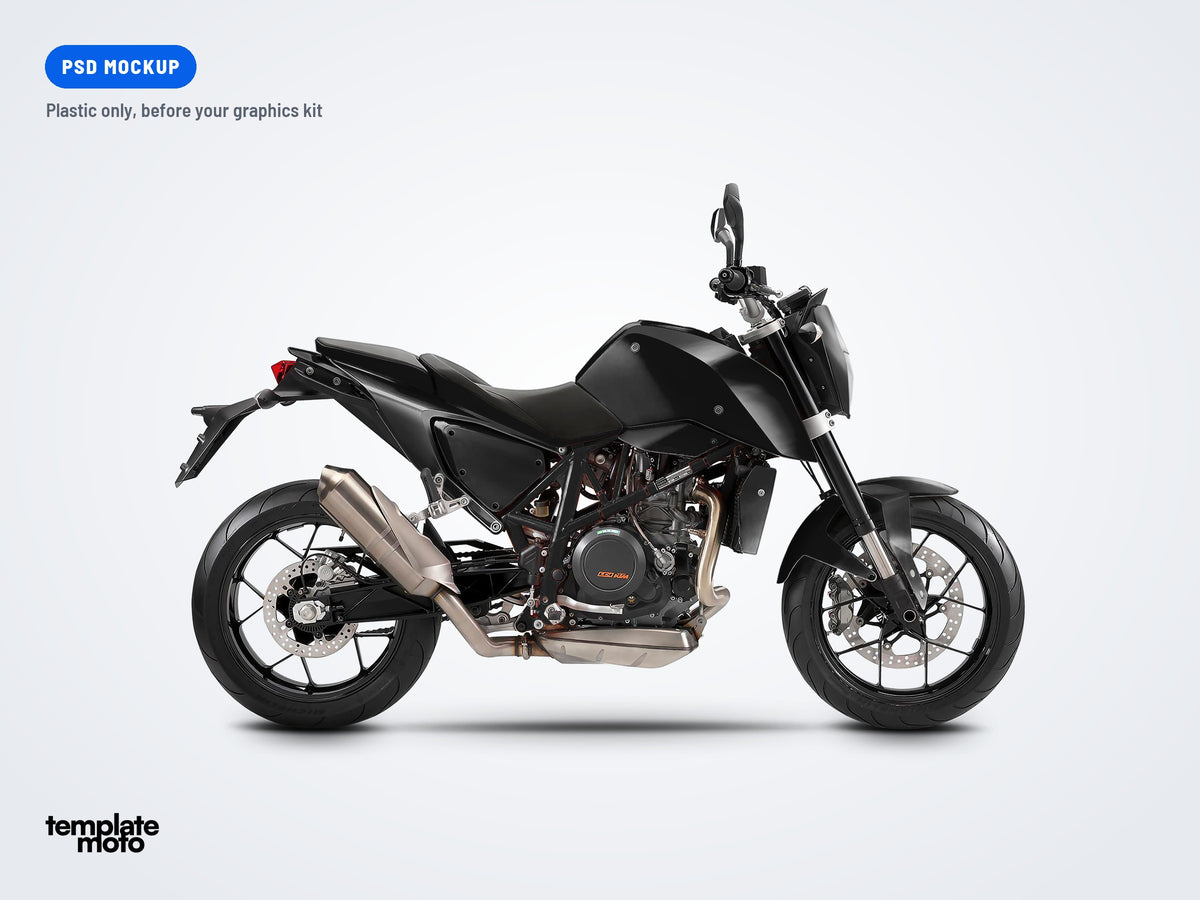
Drag the slider. On the left, the plastic of the bike with its base colors. On the right, the same file with a graphics kit pasted in Illustrator.
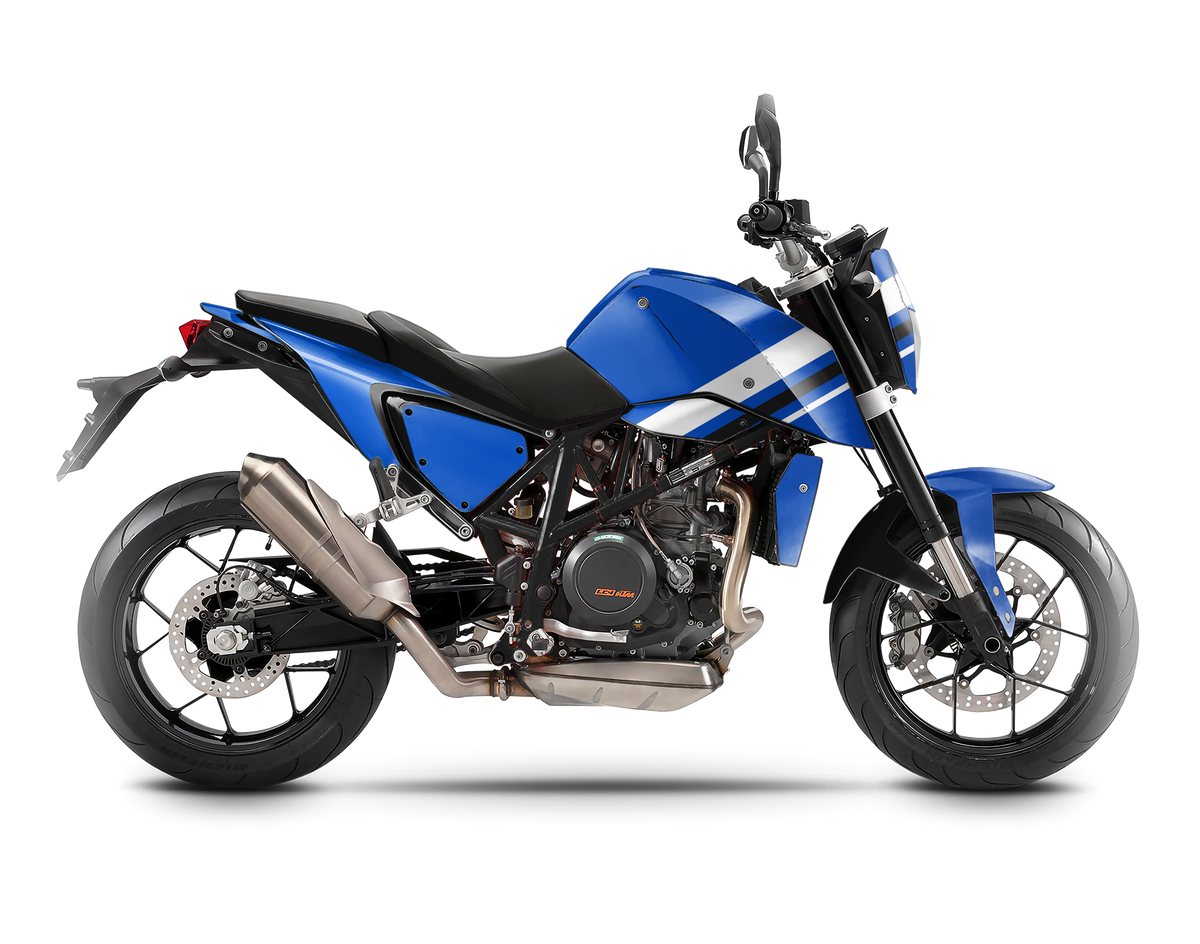
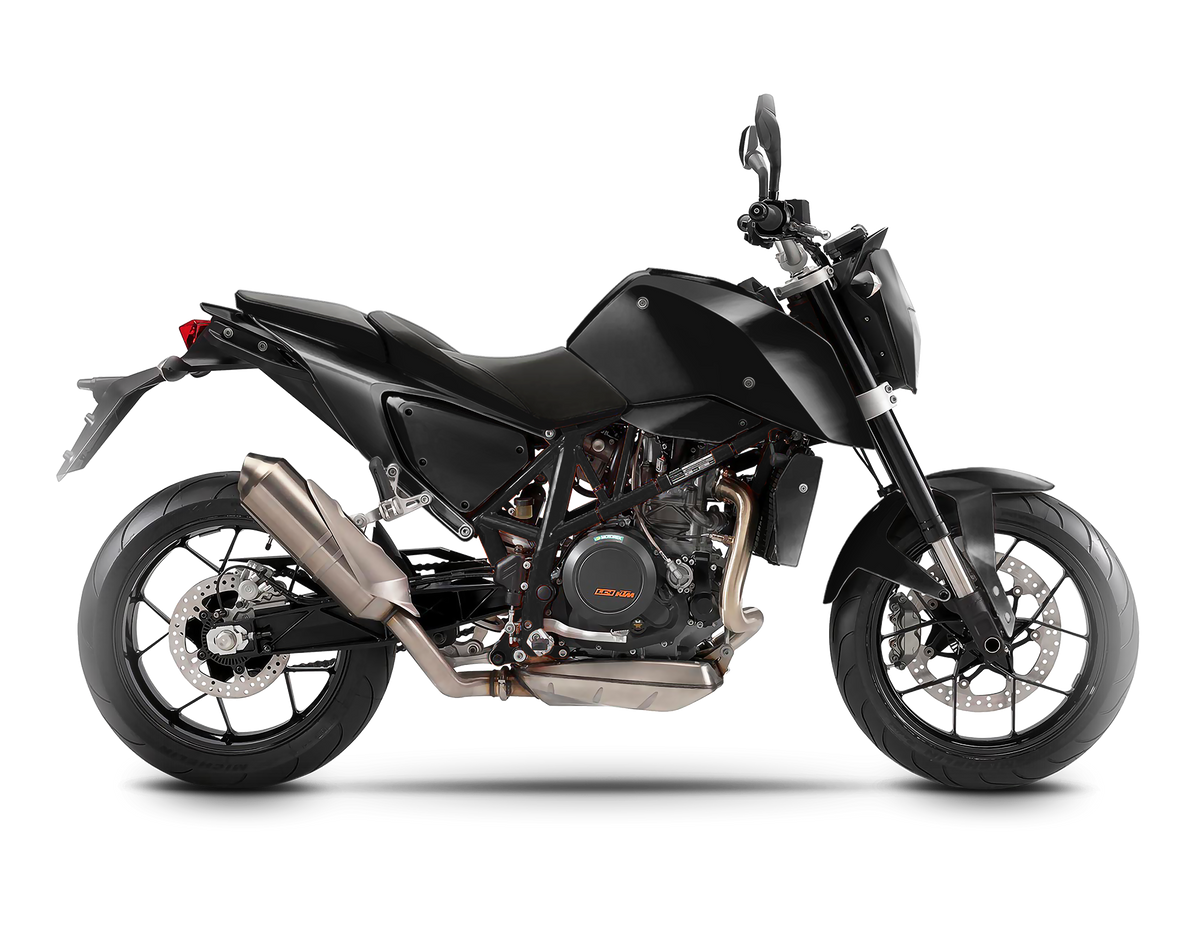
Demo graphics for illustration only.
Views
1 view (side)
Image size
2000 × 1600 px
Graphics kit
Illustrator smart object, applied to every panel
Base colors
Finish
Matte or glossy
You need Adobe Photoshop and Adobe IllustratorRecent Creative Cloud versions, on Mac or Windows. Mockups are high resolution with many layers: 16 GB of RAM is a good start, 32 GB is comfortable.
Your design on the bike in 3 steps
Open the mockup
Open the PSD in Photoshop and double-click the CHANGE DESIGN layer.
Design in Illustrator
The layer opens in Illustrator, laid out flat like a template. Paste your design on it and save.
Your proof is ready
Photoshop wraps your design on every panel with lights and shadows. Pick the colors, export, send.
Mockup FAQ
Another question? We answer fast.
What exactly do I get?
A digital Photoshop mockup (PSD) of this bike, delivered as a download right after payment. You place your own design in it and export realistic pictures as often as you want. Nothing is shipped.
What are the blue graphics in the pictures?
A simple demo kit. It shows where a graphics kit goes on the bike and how it wraps the panels. What you buy is the mockup, ready for your own graphics.
Base colors or graphics kit: what is the difference?
The base colors are the bike itself: plastic, seat and rims, plain color layers you set in one click. The graphics kit is your design: you paste it in Illustrator and it covers the decal areas of the bike, on top of the base colors.
Which software do I need?
Adobe Photoshop and Adobe Illustrator, recent Creative Cloud versions, on Mac or Windows. The design layer is an Illustrator smart object: double-click it in Photoshop and it opens in Illustrator.
Does it work with my TemplateMoto template?
The design layer is a flat layout of the bike's panels, like our templates. Designed on our template for the same model? Paste your design, line it up with the panels and save.
Can I use the pictures for my business?
Yes. The pictures you create are yours: send them to your customers as proofs, post them on your website and social media. The mockup file itself is for your own use, please don't resell or share it.
Can I turn the bike or change the camera angle?
No, this is not a 3D model. Each view is a fixed, high resolution picture of the bike. The number of views is listed on each mockup.
How do I receive the file?
Right after payment, the download link shows on the order confirmation page and in your confirmation email.
More bike mockups