
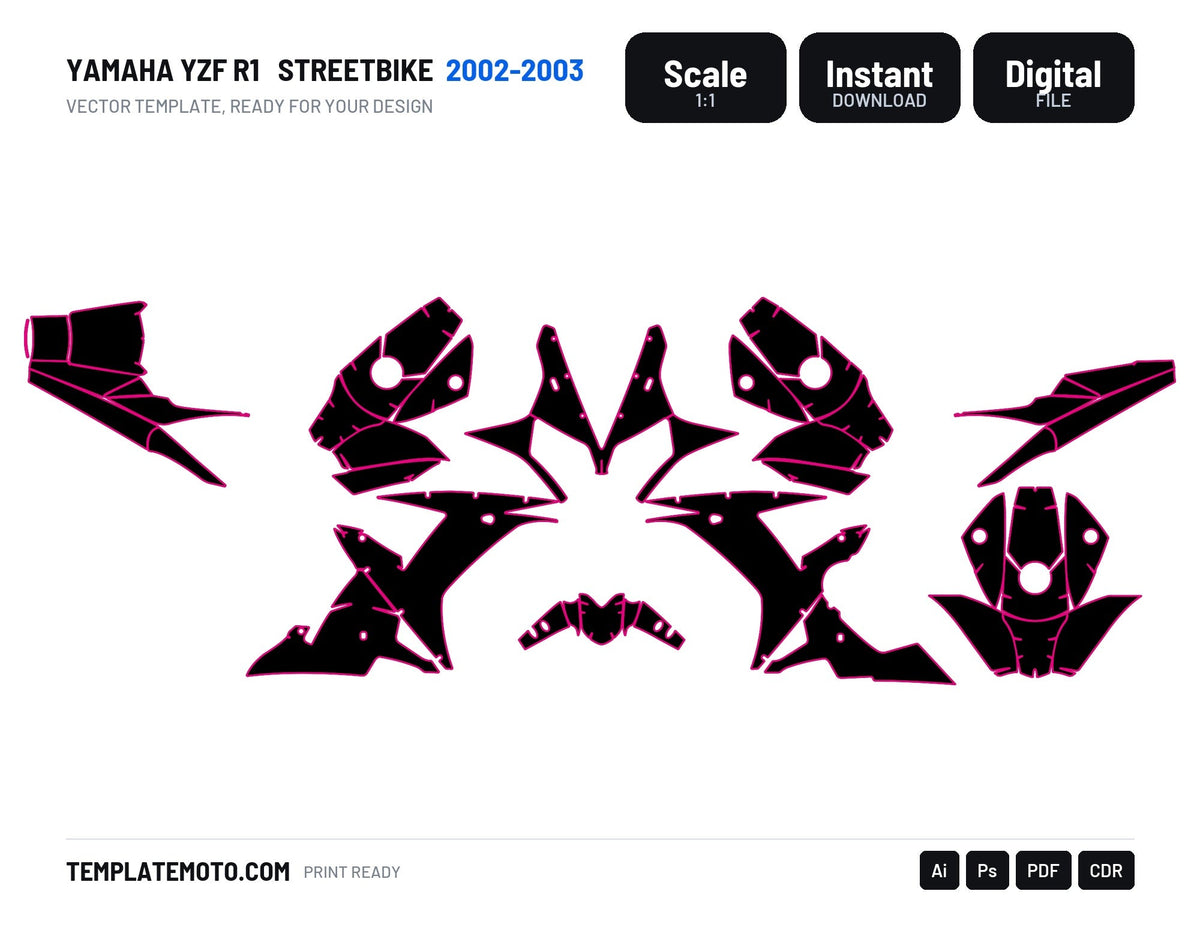
Every template we sell comes as four files: AI, PDF, EPS and CDR. They are the same drawing, saved four ways. Here is which one to open, and what to watch out for.
AI, for Adobe Illustrator
The native format. Layers, names, groups, everything stays where it was drawn. If you work in Illustrator, open this one and nothing else. It is also the file to send to a designer who works in Adobe, because nothing is lost in translation.
PDF, the one that opens everywhere
The universal format. It opens in Illustrator, Affinity Designer, CorelDRAW, Inkscape and most printer workflows. Vector stays vector, so you can still select and edit the paths. Use it when you are not sure what the other side runs, or when a print shop asks for "a vector file".
One thing to know: a PDF can carry layers, but some software flattens them on import. If your layers disappear, that is why.
EPS, the old reliable
Still the format asked for by many printers and plotters, especially on older RIP software. It carries the paths faithfully. It does not carry transparency or modern effects well, so if your design uses blends and shadows, flatten or rasterise those parts before exporting.
CDR, for CorelDRAW
If your shop runs CorelDRAW, this is your file. It keeps the drawing in Corel's own structure, so curves and nodes behave the way you expect. Trying to force an AI file into Corel usually works, but you will spend time cleaning up node handles.
Which one for which job
- Designing in Illustrator or Affinity: AI, or PDF if you are on Affinity.
- Designing in CorelDRAW: CDR.
- Sending to a print shop that did not say: PDF.
- Printer asks for EPS or runs an old RIP: EPS.
Three checks before you send anything to print
- Scale. Measure one part in the file and compare it to the bike. A file at the wrong scale prints a kit that fits nothing.
- Fonts. Convert all text to outlines. The printer does not have your fonts.
- Colours. Agree with your printer on CMYK or on a colour profile. A bright orange on your screen is not the same orange on their machine, and a kit for a customer is not the place to find that out.
And the cut file
Whatever format you send, the cut contour must be identifiable: its own layer, its own spot colour, a stroke with no fill. Say the name you used in the email to the printer. It takes one line and saves a reprint.
All our files ship in the four formats at 1:1 scale, with instant download after payment. Start here: MX and enduro templates, street and adventure templates, or the Yamaha YZF-R1 2002-2003 if you want to see a sport bike file.

Dejar un comentario
Este sitio está protegido por hCaptcha y se aplican la Política de privacidad de hCaptcha y los Términos del servicio.